
Live clipping at events: how clips go out while the session runs.
Live clipping cuts short clips from an event while it is still running. An operator marks the moment on the live programme. The clip renders vertical, square and wide, captioned, framed on the speaker and branded. It goes to your team as MP4. This guide covers the clipping desk, the formats, captions, speaker framing and delivery. It ends with how we ran it at InfoComm EDGE Collective and on our own stand at the 1 Billion Followers Summit.
- Reading time
- Updated
Why clip while the event is still running.
Social feeds move on fast. A clip posted during the session joins the conversation in the room and online while it is still happening. A clip posted next week is an archive.
Live clipping means the clips leave while the event runs. The people in the room can share the moment they just saw, and the people who were not there see it the same day.
What a clipping desk does during the session.
A clipping desk is one operator on the live programme, working to your brief.
Follows the room. The operator listens for what matters to you: the announcement, the quotable line, the applause.
Marks the moment. In and Out on the live programme, or the last 15, 30 or 60 seconds on one key.
Renders while live. The clip renders as the session carries on. Nothing waits for the event to end.
 9:16MP4Opening line
 16:9MP4Panel exchange
 1:1MP4The big answer
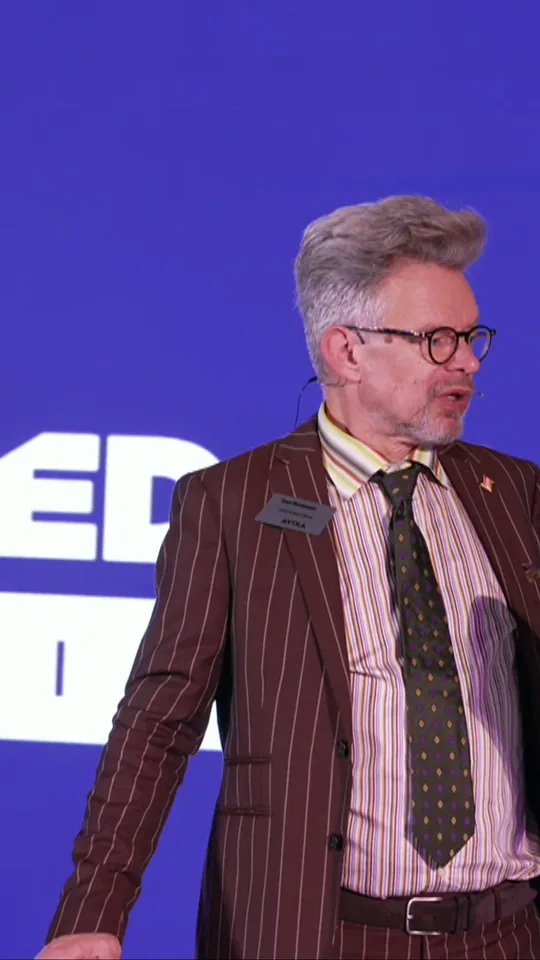 9:16MP4Host question
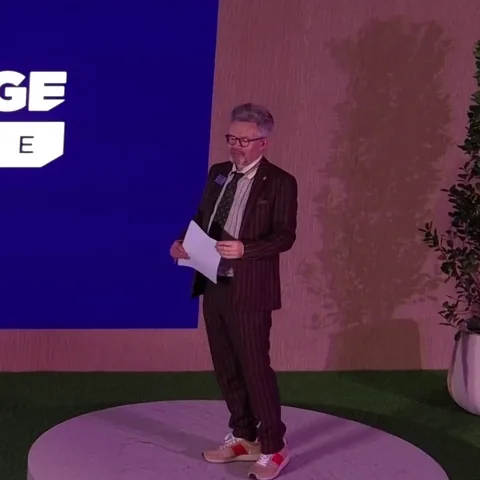 1:1MP4Welcome address
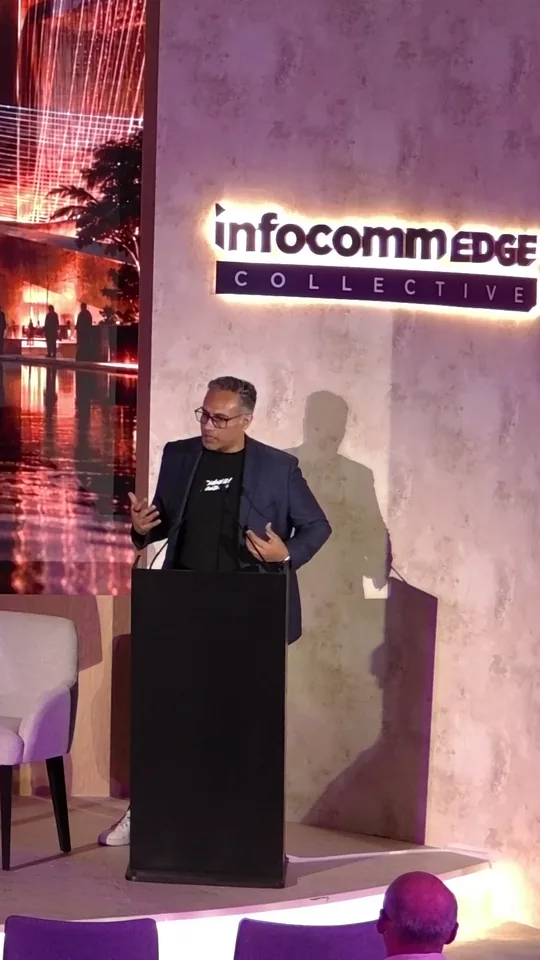 9:16MP4Closing call
One mark, three formats.
Every clip renders from the same mark in three shapes, so nobody re-cuts it for each feed.
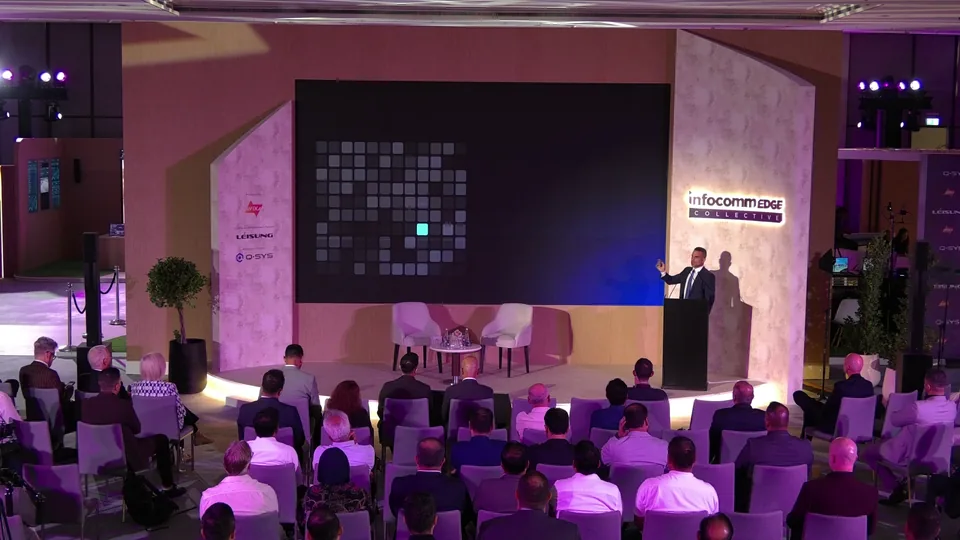
Vertical 9:16.Reels, TikTok, Shorts and Stories.
Square 1:1.LinkedIn and feed posts.
Wide 16:9.YouTube, the event page and the press room.
Captions for feeds on mute.
Most social video plays with the sound off. So every clip carries burned-in captions, word by word, with the spoken word lit as it is said. Captions are in English.
Your graphics and logo go on the clip too, so it reads as yours on any feed.
The speaker stays in frame.
A stage is shot wide. A vertical clip is a narrow slice of that picture, and a fixed slice loses the speaker the moment they move or the answer passes down the panel.
Auto-frame follows whoever is speaking and keeps them in the 9:16 crop. The operator can move the crop by hand at any time.
Crop follows the speakerMove it by hand any timeExample caption
How your team receives the clips.
Clips arrive as MP4 files, by role: the social team, the event page, the press room, the speakers. Your team posts them on your own channels, in your own voice.
Agree the list before the day: who gets what, in which format, and who signs off.
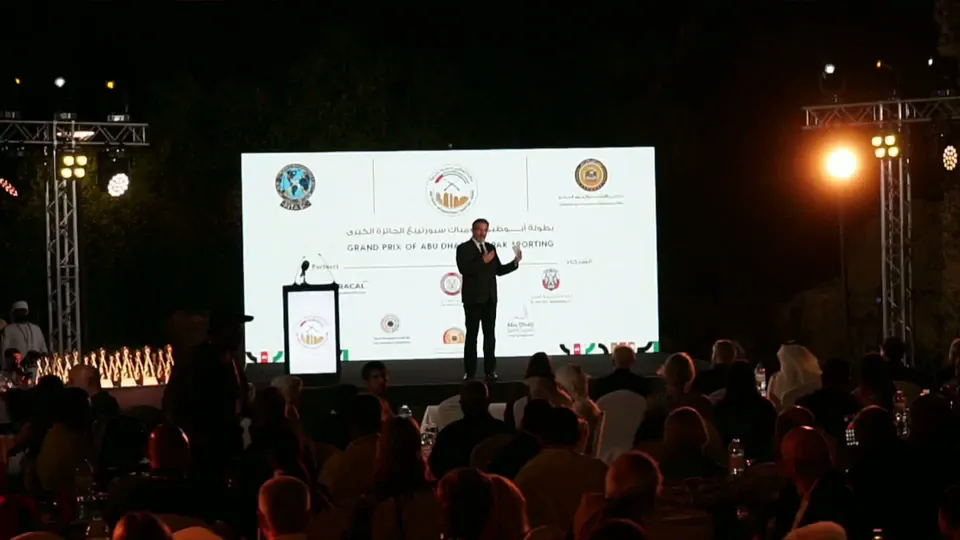
InfoComm EDGE Collective, and our own stand.
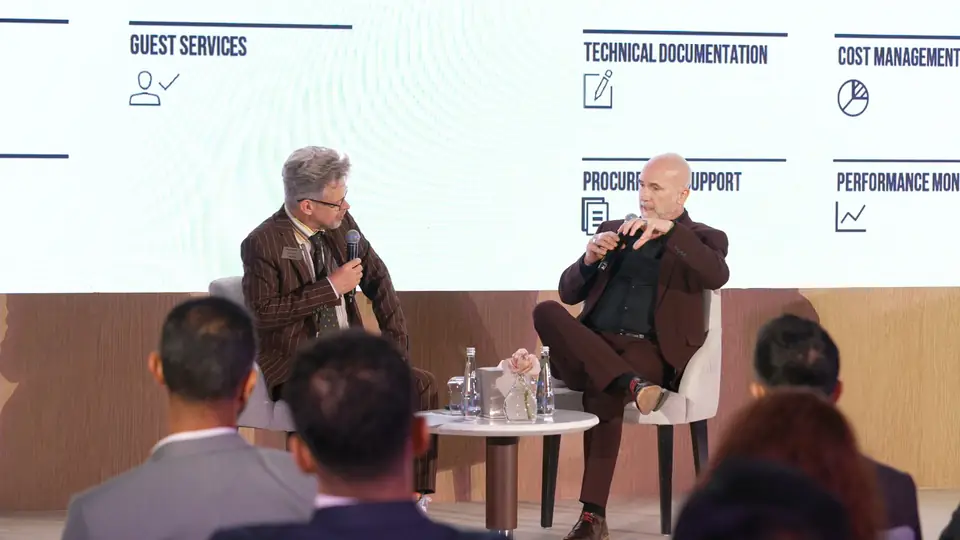
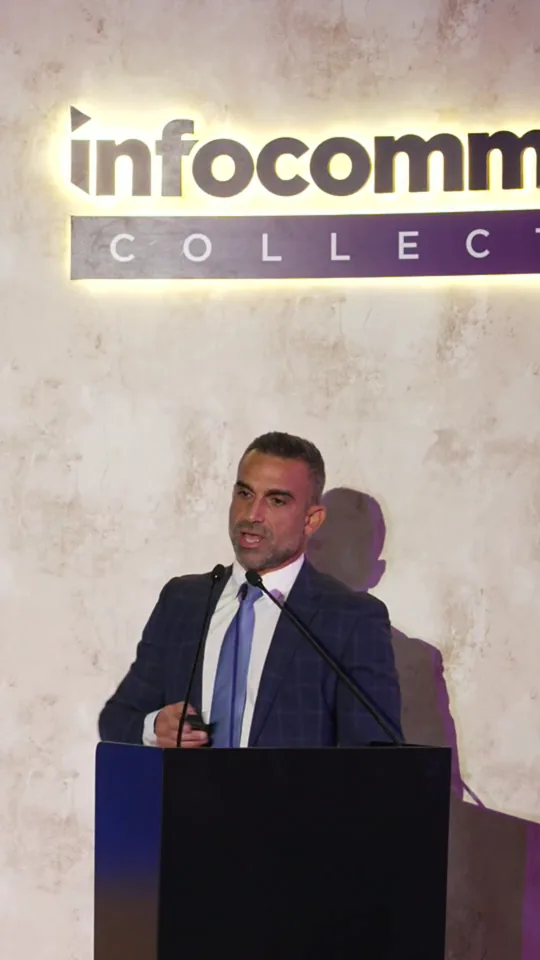
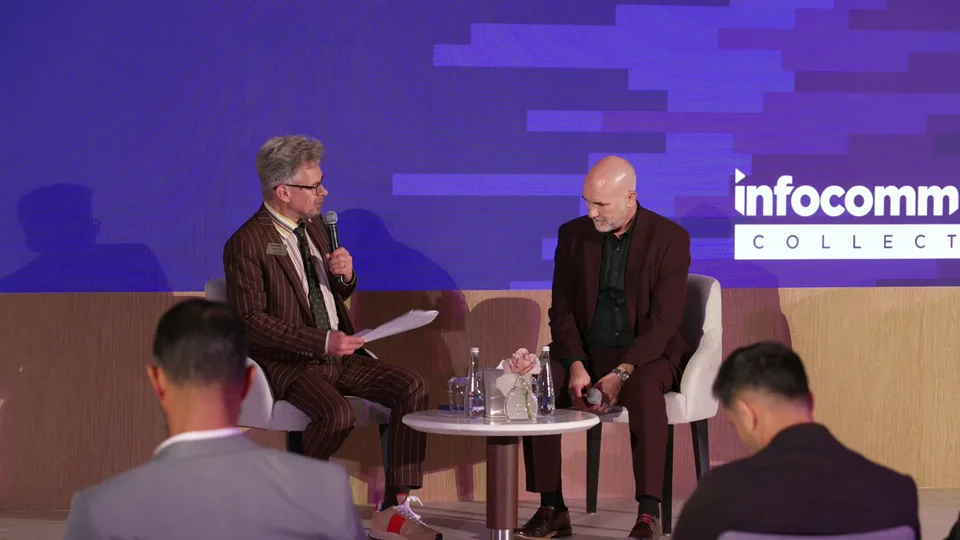
We ran this live clipping process at InfoComm EDGE Collective 2026 in Dubai. We marked the moment on our programme, and vertical, captioned clips went to the team while the event ran.
We also took our live clipping to the 1 Billion Followers Summit in Dubai in January 2026, on our own stand in the Creators Market. Read the summit case study.
Planning clips for your event? Start with live event clipping, or pair it with social media live streaming.
Live streaming for brands: launches, series and social reach.
How brands use live streaming for launches, events and social media: formats that work, each platform, the production standard and what to measure.
Read the articleLive stream sponsorship. What sponsors measure, and what makes them renew.
How to build live stream sponsorship that sponsors renew: what they measure, activation inside the broadcast, the first 72 hours, and consent-safe data.
Read the articleLive event clipping in Dubai. Clips out while the room is still talking.
Live event clipping in Dubai and the UAE. Captioned vertical, square and wide clips, cut from your live programme and handed to your team while it runs.
See the serviceConference production. Multi-stage. Multi-day. One standard.
Conference live streaming in Dubai, and summit production across the GCC. Multi-stage coverage, speaker integration, session recording and audience analytics.
See the serviceSocial media live streaming built for mobile-first audiences.
Social media live streaming production for Instagram, TikTok, Facebook, YouTube, X, LinkedIn. Vertical and horizontal formats, broadcast-quality, mobile-optimised.
See the serviceOur own live clipping position at a Dubai entertainment summit.
Our own live clipping position at the 1 Billion Followers Summit in Dubai: an exhibitor position publishing highlights within minutes of the stage moment.
Read the case studyInfoComm EDGE Collective: three live scenarios, cut to the main stage.
How we made AVIXA's InfoComm EDGE Collective in Dubai a broadcast and a story: the build on film, a show film cut overnight, four trigger events live.
Read the case studyTell us the date, the venue and who is watching.
We scope every engagement against its run of show, not a package.